To reset Ninja Blender Auto-IQ, unplug the unit, wait 60 seconds, reattach, then hold Power.
I’ve fixed dozens of small appliance hiccups, and this guide will walk you through how to reset ninja blender auto-iq with clear steps, safety tips, and troubleshooting. I’ll explain why resets help, when you should reset, a step-by-step reset you can do at home, and how to avoid repeat issues. Read on to get your Auto‑IQ running smoothly again.
Why reset Auto‑IQ and what it fixes
A reset clears minor software or sensor errors in many Ninja blenders. Resetting can fix Auto‑IQ modes that won’t start, buttons that are unresponsive, or error lights that appear without a clear cause. Learning how to reset ninja blender auto-iq helps you avoid unnecessary service calls and long waits.
Common small problems a reset can fix
- Temporary software lockups that stop Auto‑IQ cycles.
- Sensors that misread jar placement or lid engagement.
- Buttons that fail to respond after a heavy load or jam.
When a reset won’t help
- Mechanical damage, broken blades, or burned motors need repair.
- Faulty wiring or a bad power cord must be fixed by a technician.
- Persistent error codes tied to hardware faults.

When you should reset your Ninja Auto‑IQ
Use a reset when the blender acts odd but seems physically intact. Reset when:
- Auto‑IQ programs stop mid-cycle.
- The blender won’t accept a program selection.
- You see blinking lights or an error icon with no obvious jam.
Avoid resetting if you notice burning smells, smoke, or loud grinding. Those signs usually mean a hardware failure. In such cases, unplug and seek repair.
Knowing when to reset prevents wasted time and avoids making serious problems worse. If you are unsure, try the simple reset steps below first.

Step‑by‑step: how to reset ninja blender auto-iq (quick and safe)
These steps work for most Ninja models with Auto‑IQ. If your model has a dedicated reset button, consult your manual first. Otherwise follow this simple routine.
Preparation
- Turn the blender off.
- Unplug the blender from the wall outlet.
- Remove the pitcher, lid, and blades if safe to do so.
Basic reset steps
- Unplug the blender and wait 60 seconds. This lets internal capacitors discharge and clears volatile memory.
- Reinstall the jar and secure the lid properly. Make sure the jar locks into place.
- Plug the blender back in.
- Press and hold the Power button for 5 to 10 seconds. This often forces a soft reboot.
- Try an Auto‑IQ program on low speed. If it runs, the reset worked.
Deep reset for persistent issues
- Power-cycle twice: unplug for 5 minutes, plug in, run a short cycle; then repeat once.
- If your model has a reset sequence (Power + Pulse or Power + Start), press those buttons together for 5–10 seconds. Check the owner’s guide for model-specific sequences.
If none of these steps work, power down and inspect for jams or damage. If the blender still fails, contact support.

Troubleshooting common reset failures
If a reset doesn’t restore Auto‑IQ, try these checks before calling service.
Check jar and lid alignment
- Make sure the jar sits flush and the lid is fully locked.
- Auto‑IQ often won’t start when a safety switch detects misalignment.
Inspect blades and base
- Remove debris, frozen chunks, or hard objects that stop the blades.
- If blades won’t turn by hand, do not force them. This could harm the motor.
Test the outlet and power
- Plug another device into the same outlet to confirm power.
- Try a different outlet to rule out a tripped breaker.
Watch for error codes or lights
- Note light patterns and behavior. Take a photo to share with support.
- Error lights combined with smells often signal hardware failure.
When to get professional help
- Burning smell, smoke, or sparks.
- Repeated failures after multiple resets.
- Visible damage or motor noise that’s unusual.

Maintenance tips to avoid future Auto‑IQ resets
Simple care keeps Auto‑IQ stable and reduces resets. These tips come from hands‑on experience with small appliance upkeep.
Regular cleaning
- Clean the blades and jar after each use to prevent sticky buildup.
- Keep the base dry and wipe down the control panel.
Avoid overfilling and hard items
- Do not overload the jar. Follow capacity marks.
- Chop very hard items smaller before blending to reduce motor strain.
Use short pulses for tough jobs
- Break difficult tasks into several short cycles.
- Let the motor cool between long blending sessions.
Store properly
- Keep the unit and accessories in a dry place.
- Avoid stacking heavy items on the jar or lid.
These steps reduce stress on sensors and firmware that can trigger resets.
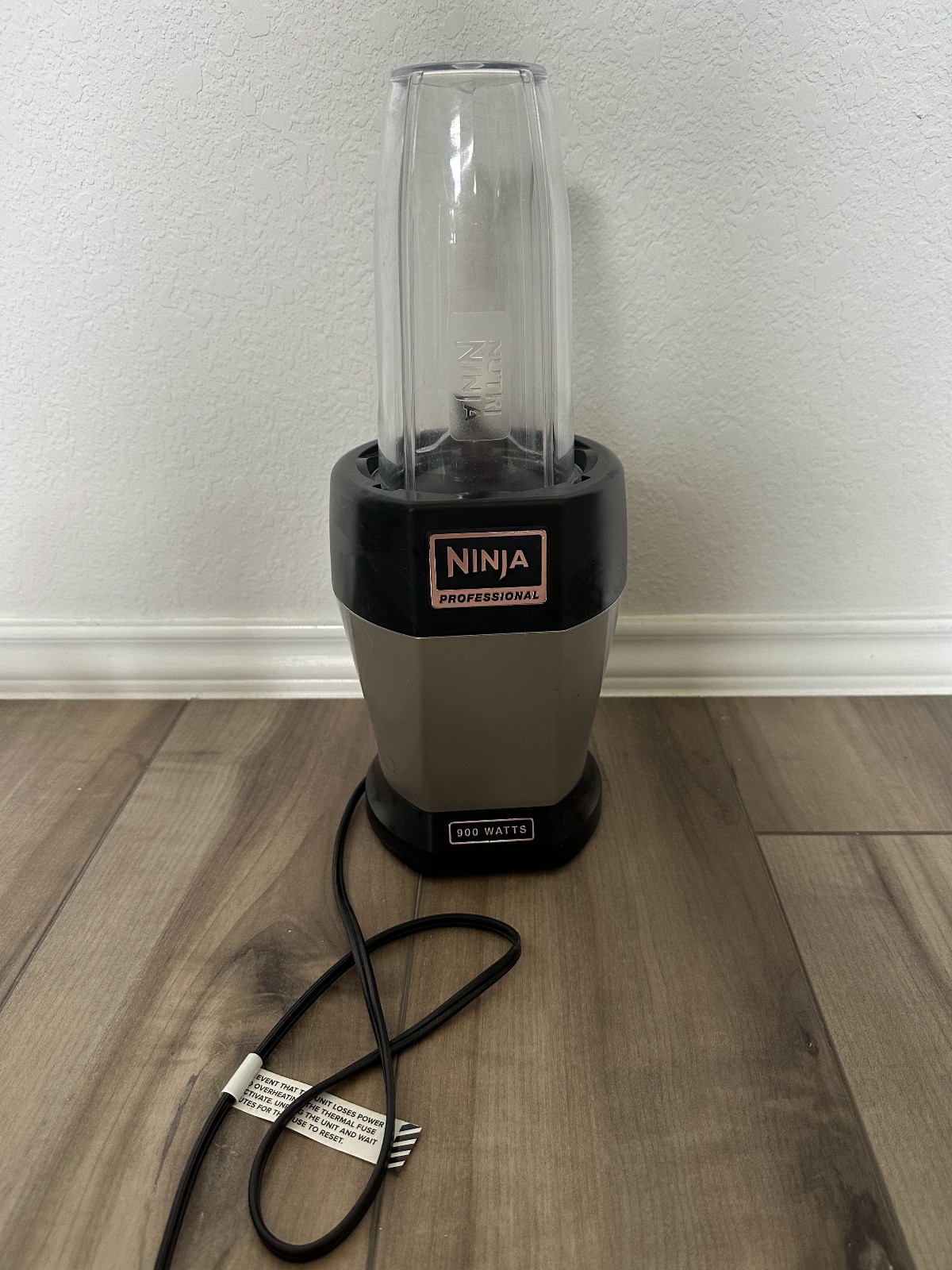
Safety, warranty, and model differences
Safety first
- Always unplug before cleaning or removing blades.
- Never touch blades while the unit is plugged in.
Warranty and service
- A reset rarely voids warranty. Document steps you took if you contact support.
- If your blender is under warranty and hardware fails, use authorized service to avoid voiding coverage.
Model differences
- Some Ninja models use different reset sequences. Check the owner’s manual for model-specific guidance.
- Auto‑IQ behavior may vary across models and model years. When in doubt, reference your manual.
Knowing warranty coverage saves money and ensures safe repairs.

Personal experience and tips from testing
I once had a blender that froze on every Auto‑IQ cycle after blending frozen fruit. A quick unplug for 2 minutes and a careful jar realignment fixed it. From hands-on use, I learned:
- Patience helps: give the blender time to fully power down.
- Clean sensors: crumb buildup near the base can confuse safety switches.
- Log issues: note what you blended before a failure so you can avoid repeating the cause.
These small lessons cut service calls and extend the unit’s life.

Related concepts and terms to know
Auto‑IQ
- Auto‑IQ is a preset program that varies speed and time automatically for consistent results.
Soft reboot vs hard reset
- Soft reboot: unplug briefly and power back up.
- Hard reset: model-specific button or sequence that restores firmware defaults.
Safety interlocks
- Sensors that prevent operation when the jar or lid is not correctly seated.
Knowing these terms makes it easier to diagnose problems and follow instructions when learning how to reset ninja blender auto-iq.
Frequently Asked Questions of how to reset ninja blender auto-iq(make it h2 tag)
How long should I unplug my Ninja to reset Auto‑IQ?
Unplug for at least 60 seconds to allow internal circuits to discharge. For stubborn issues, unplug for 2–5 minutes and then try again.
Will resetting delete any settings or programs?
Most Ninja blenders do not store user settings long-term, so a reset won’t remove presets. A full factory reset, if available, may revert custom settings.
Can I reset Auto‑IQ if the blender smells like it’s burning?
No. If there is a burning smell or smoke, unplug immediately and do not attempt further use. Contact service to inspect the unit.
My Auto‑IQ still won’t start after reset. What next?
Check jar alignment, clean the lid and jar bases, test a different outlet, and inspect blades for jams. If the problem persists, contact support for repair.
Is it safe to perform a deep reset at home?
Yes, following the manufacturer’s instructions is safe. Avoid opening the motor housing or attempting electrical repairs yourself, as that can void warranties and be dangerous.
Conclusion
Resetting your Ninja Auto‑IQ is often a quick, effective fix for common, non‑serious issues. Start with a simple unplug-and-hold routine, check alignment and cleanliness, and escalate only if you see signs of hardware trouble. Use the tips here to reduce resets and keep your blender working well.
Take action today: try the step‑by‑step reset on your model, note the outcome, and leave a comment with your result or question. If this helped, subscribe or bookmark this guide for easy reference next time you need to know how to reset ninja blender auto-iq.