Most KitchenAid blenders stop due to power, motor, jar assembly, or electrical issues.
I’ve fixed and tested many blenders over the years, so I know how confusing it feels when your KitchenAid blender stopped working. This guide walks you through clear causes, safe troubleshooting steps, common fixes, cost expectations, and simple maintenance. Read on to find the right fix, save time, and avoid unnecessary repairs.
Why a KitchenAid blender stopped working: common causes
KitchenAid blender stopped working for many simple reasons. Start with power and move to mechanical parts. Most stops are routine and fixable at home.
Common causes include:
- Power issues: unplugged cord, tripped breaker, or faulty outlet.
- Faulty power cord: fray, cut, or loose connection inside the base.
- Overheated motor or thermal fuse: blender shuts off to protect itself.
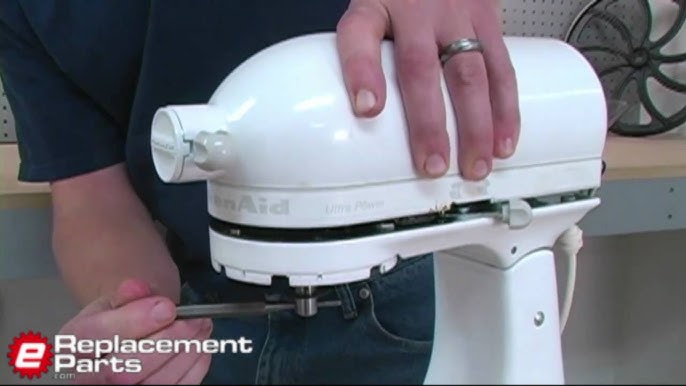
- Worn drive coupling or blade assembly: the motor spins but blades don’t.
- Faulty switch or control board: buttons or touch controls fail.
- Electrical smell or burnt motor: signs of motor damage.
- Jar not seated correctly: safety interlock prevents start.
Understanding the likely cause helps you pick the right action. If your KitchenAid blender stopped working after a heavy load or a loud noise, the motor may be damaged. If it never powers up, focus on power and safety parts.

Step-by-step troubleshooting checklist
Stay safe. Unplug the blender before you inspect it. Work in a dry area and wear gloves if needed.
- Check the outlet:
- Test with a lamp or phone charger.
- Try a different outlet or reset the breaker.
- Inspect the power cord:
- Look for cuts, kinks, or discoloration.
- Wiggle the cord near the base while plugged in (briefly) to see if power cuts.
- Test the jar and base fit:
- Remove the jar and look for debris on the base pins.
- Re-seat the jar until it clicks into place.
- Listen for motor noise:
- Humming without blade movement often means a jam or bad coupling.
- Clicking or no sound often means a switch or power fault.
- Check for a thermal reset:
- Some models have a reset button on the base or under the motor housing.
- Let the blender cool 30–60 minutes before trying again.
- Smell test:
- A strong burnt smell means internal damage. Stop using and consider repair.
If you find water in the motor base, stop and get professional help. Water can short circuits and cause shock.

How do I reset my KitchenAid blender?
Most models reset by unplugging, waiting 10 minutes, and plugging back in. Some have a small reset button on the base; press it after the unit cools.
Can a KitchenAid blender motor be fixed?
Yes, motors can be repaired or replaced, but cost and model age matter. For older or low-cost models, replacement may be more economical.
Why does my blender hum but not blend?
Humming usually means the motor runs but the drive coupling or blade assembly is stripped or stuck. Inspect the coupling and manual-clear any jam.
Common fixes and repair steps
Use these fixes for small, common issues. If you are unsure, stop and call a pros.
Simple home fixes:
- Replace a damaged power cord: inexpensive and often resolves no-power issues.
- Clean and re-seat the jar and gasket: debris can block the safety interlock.
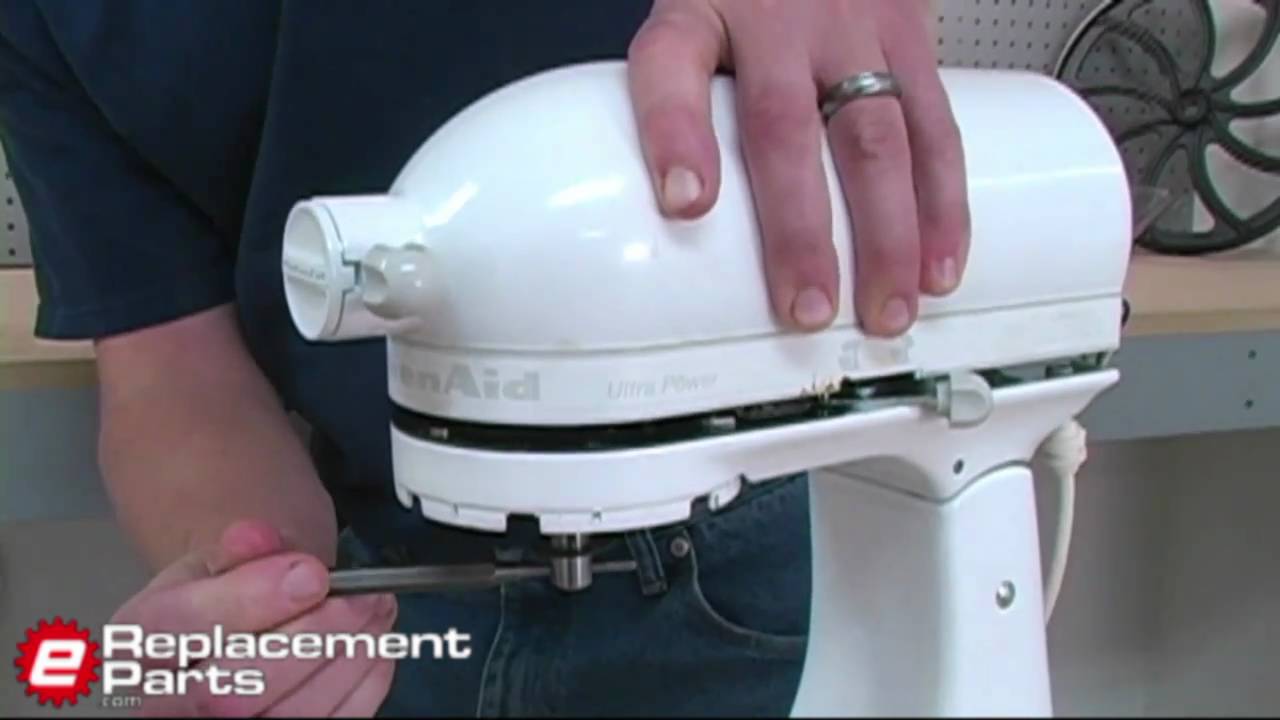
- Replace the drive coupling: worn plastic parts fail over time and are easy to swap.
- Tighten or replace blade assembly: a loose blade can prevent blending.
- Reset thermal fuse: after cooling, a reset may restore operation.
When to call a technician:
- Burnt smell or smoke from the base.
- Continuous humming after clearing jams.
- Electrical sparks or visible burns on the circuit board.
- Complex control board or motor replacement.
Personal note: I once fixed a KitchenAid blender that stopped working because a grape seed jammed the blades. A quick clean and new gasket got it working again. Lesson: small jams often look worse than they are.

Replacement parts, cost, and warranty basics
Knowing parts and cost helps decide repair versus replace. Parts vary by model and region.
Parts you may need:
- Power cord assembly: $15–$40.
- Drive coupling: $8–$25.
- Blade assembly or jar base: $15–$50.
- Motor or gearbox: $80–$200 or more.
- Control board: $60–$150.
Warranty and service:
- Check your warranty before buying parts. Many KitchenAid units have limited warranties.
- Authorized service centers can diagnose and fix electrical or motor faults.
- For older models, compare repair cost to the price of a new blender.
Tip: Keep your model and serial number handy when ordering parts. That ensures fit and function.

Maintenance tips to prevent your KitchenAid blender stopped working again
Routine care keeps your blender reliable. Simple habits avoid most issues.
Maintenance checklist:
- Clean after every use: prevent food buildup in the jar base and seals.
- Avoid overloading: blend in batches to reduce motor stress.
- Cool down between long uses: protect the thermal fuse.
- Inspect seals and couplings every 3 months: replace worn rubber parts.
- Avoid hot liquids in cold jars: thermal shock can crack glass or warp plastic.
I schedule a quick check every month. This small step cut my repair needs drastically.
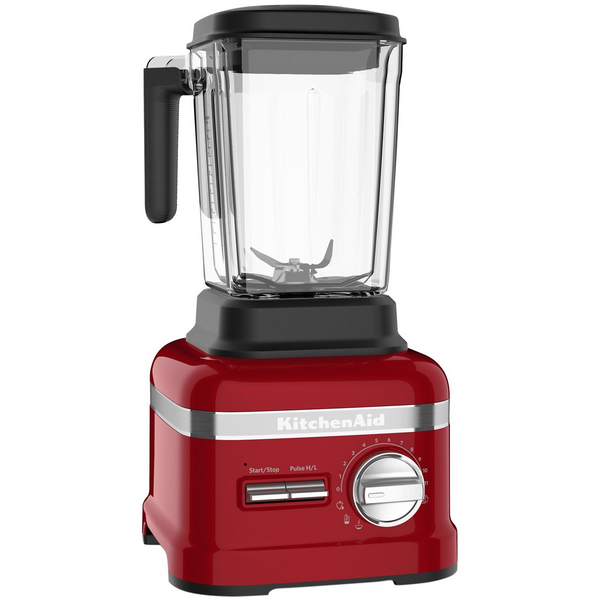
Signs it's time to replace your KitchenAid blender
Sometimes repair is not worth it. Watch for these signs.
Replacement indicators:
- Repair cost approaches buying a new unit.
- Repeated motor burns or loud grinding.
- Major water damage to the base.
- Outdated model with limited parts availability.
- Safety features fail or the unit sparks.
If your KitchenAid blender stopped working and repairs are frequent, a new model often gives better value and warranty coverage.
Frequently Asked Questions of KitchenAid blender stopped working
Why won’t my KitchenAid blender turn on even though it’s plugged in?
Check the outlet and reset the circuit breaker first. If the outlet works, inspect the power cord and jar safety interlock for faults.
My blender hums but blades don’t move. What should I do?
Unplug and remove the jar. Check for jams and inspect the drive coupling. If coupling is worn, replace it.
Is it safe to continue using a blender after it smelled like something burned?
No. A burnt smell indicates internal damage. Stop using it and seek repair to avoid fire risk.
How long does a KitchenAid blender motor usually last?
With normal home use and care, motors can last many years. Heavy use or overheating shortens motor life.
Can I replace parts myself or should I use service?
You can replace simple parts like gaskets and couplings safely. For motor, control board, or water-damaged base, use professional service.
What does the reset button do on some KitchenAid blenders?
The reset button restarts the thermal protection system after the motor cools. Use it only after the unit has cooled down.
Conclusion
If your KitchenAid blender stopped working, start with simple checks: power, jar fit, and visible damage. Many failures are fixable at home with low-cost parts. For electrical smells, repeated faults, or motor damage, use professional repair or replacement. Take action now: try the checklist, note your model number, and decide whether to repair or replace. If this helped, leave a comment or share your story and check back for more appliance tips.